

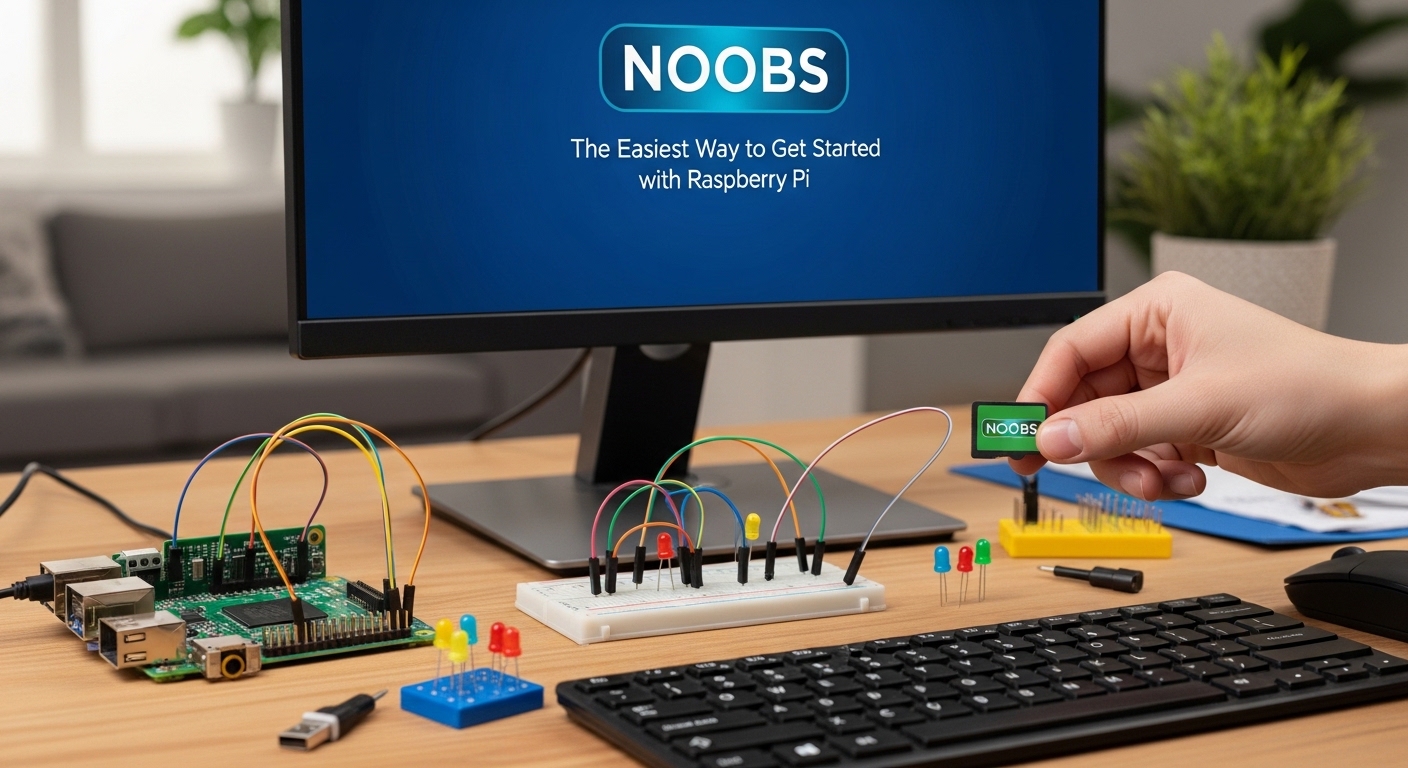
Imagine unboxing your very first Raspberry Pi: a tiny board, packed with potential, sitting on your desk like a blank canvas. For many beginners, this moment is thrilling—but also a little intimidating. Where do you start? How do you even install an operating system on this miniature computer? This is where Software NOOBS comes in, transforming what could be a frustrating initiation into an accessible, hands-on adventure in computing.
From hobbyists experimenting with home automation to students building their first coding projects, Software NOOBS has become the go-to tool for anyone new to the Raspberry Pi ecosystem. Its straightforward interface and all-in-one package remove the guesswork and technical hurdles, allowing you to dive straight into creativity.
What is Software NOOBS?
Software NOOBS, which stands for New Out Of Box Software, is a beginner-friendly operating system installer designed specifically for Raspberry Pi devices. Essentially, it’s a starter kit for your Pi: it simplifies the installation of popular operating systems like Raspberry Pi OS, LibreELEC (for media centers), and even specialized systems for programming or gaming.
Unlike manually downloading and configuring an OS image—a process that can be daunting for first-timers—Software NOOBS offers a guided experience. With just a few clicks, your Raspberry Pi can be up and running, ready for coding, media playback, or IoT experiments.
Why Beginners Prefer Software NOOBS
For many first-time Raspberry Pi users, installing an operating system can feel like a cryptic puzzle. Commands in a terminal, file permissions, and SD card preparation can quickly overwhelm someone without prior experience. Software NOOBS removes these barriers:
-
Simplicity: Users are presented with a clear, menu-driven interface to select their preferred OS. No need to wrestle with disk imaging tools or terminal commands.
-
Flexibility: Multiple operating systems can coexist, allowing beginners to experiment without wiping their entire setup.
-
Guided Learning: NOOBS subtly introduces users to the fundamentals of computing and operating system management, building confidence for future projects.
In short, Software NOOBS isn’t just a tool—it’s a bridge between curiosity and capability.
Real-World Applications of Software NOOBS
The beauty of Software NOOBS lies not only in its simplicity but also in how it empowers real-world projects. Here are some examples:
| Project Type | Benefits of Using NOOBS | Example Applications |
|---|---|---|
| Home Automation | Quick setup of Raspberry Pi OS | Smart lighting, temperature sensors |
| Educational Coding | Easy start for Python, Scratch | School projects, coding clubs |
| Media Centers | Install LibreELEC efficiently | Streaming movies, music servers |
| Gaming Projects | Supports RetroPie setups | Classic arcade emulators |
These examples demonstrate how NOOBS streamlines the initial setup, allowing users to focus on creativity rather than technical hurdles.
Getting Started: Step-by-Step with Software NOOBS
Starting your first Raspberry Pi project with Software NOOBS is surprisingly simple:
-
Prepare Your SD Card: Download NOOBS from the official Raspberry Pi website and extract it onto a microSD card.
-
Insert and Boot: Insert the SD card into your Raspberry Pi and power it on. The NOOBS interface appears automatically.
-
Select an Operating System: Choose from the list of available OS options. Beginners often start with Raspberry Pi OS for its versatility.
-
Install and Configure: Click “Install” and wait for the process to complete. Once finished, your Pi will boot into the chosen operating system.
-
Explore and Experiment: Begin coding, setting up media centers, or building IoT devices—the sky is the limit.
This guided experience ensures that even a total novice can start experimenting without stress.
Tips for Making the Most of Software NOOBS
To maximize the NOOBS experience, consider these practical tips:
-
Use a High-Quality SD Card: Faster cards reduce installation time and improve performance.
-
Stay Updated: Regularly check for updates to NOOBS and your chosen OS to benefit from the latest features and security patches.
-
Experiment Gradually: Start with one operating system and small projects before branching out. NOOBS makes it easy to explore without fear of breaking your setup.
-
Leverage Community Resources: The Raspberry Pi community is vast. Tutorials, forums, and example projects can help beginners quickly expand their skills.
By following these strategies, beginners not only set up their first project efficiently but also develop the confidence to tackle more advanced Raspberry Pi experiments.
The Advantages Over Manual Installation
Some experienced users might wonder: why not just install an OS manually? While manual installation allows for more customization, Software NOOBS offers several clear advantages for beginners:
-
Reduced Risk of Errors: NOOBS handles partitioning and file formatting automatically.
-
Time-Saving: Beginners can bypass complex installation steps.
-
Multi-OS Support: NOOBS can manage multiple operating systems on a single SD card—a feature difficult to achieve manually.
Ultimately, NOOBS prioritizes accessibility, enabling more people to enjoy the Raspberry Pi ecosystem without technical frustration.
Conclusion
For anyone taking their first steps in computing with a Raspberry Pi, Software NOOBS is more than just an installer—it’s a gateway to creativity, experimentation, and learning. By removing technical barriers, NOOBS empowers users to focus on what really matters: building, coding, and exploring. Whether it’s your first home automation project, an educational coding experiment, or a retro gaming setup, starting with NOOBS ensures a smooth, confident launch.